





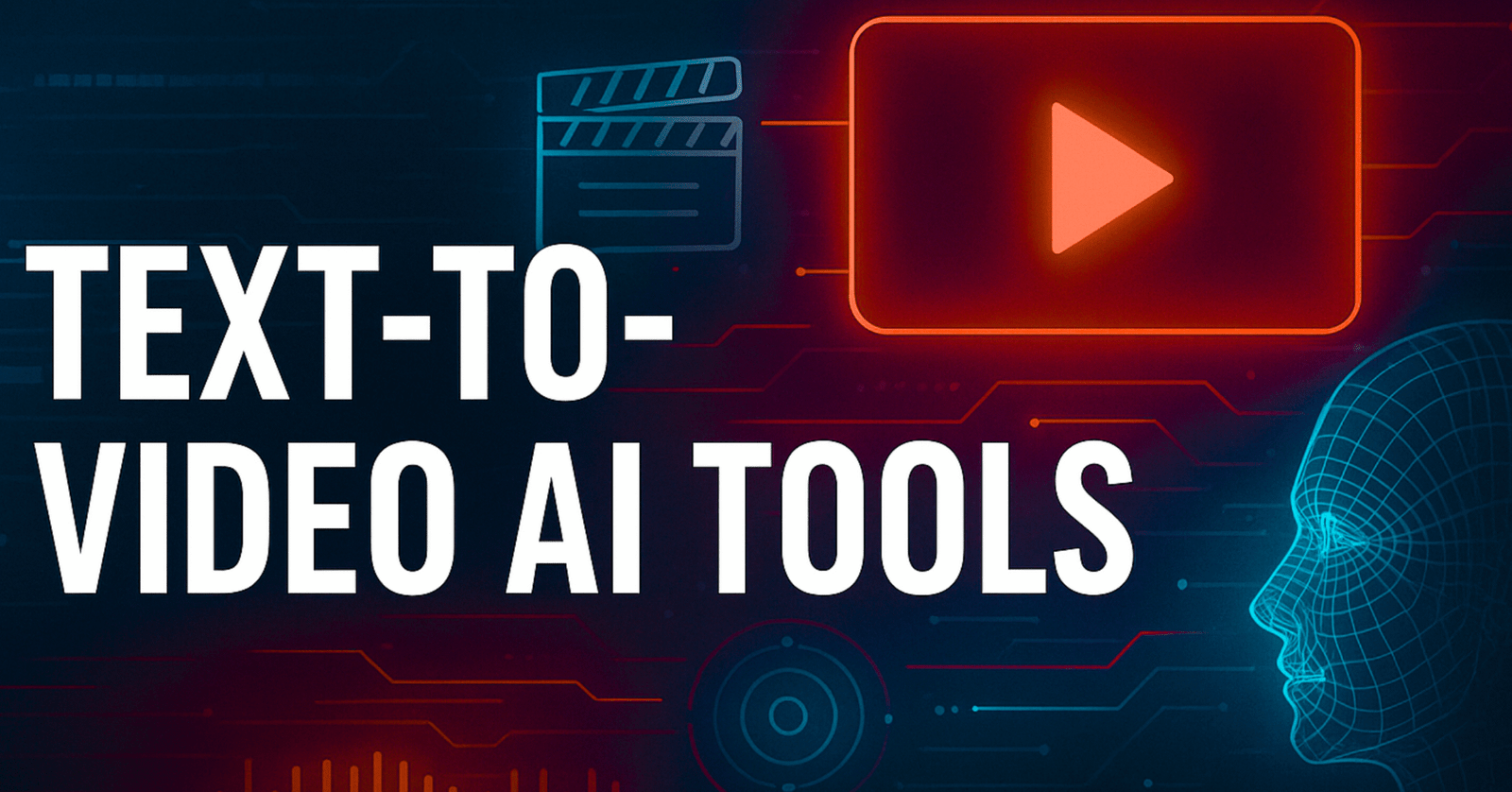
Content creation is evolving faster than ever, and Text-to-Video AI Tools are at the center of this revolution. In 2025, creators, marketers, bloggers, and businesses are replacing traditional video-editing workflows with AI tools that turn simple text prompts into high-quality videos in seconds. Whether you’re running a blog like Kainat Trend Scapes, managing a YouTube channel, or building social content, these tools can produce cinematic visuals without needing cameras, actors, or editors.
AI-powered text-to-video platforms combine natural language processing, generative video models, and advanced motion rendering. The result? Anyone can create studio-level video content with zero technical skills. This shift is not just a trend—it’s redefining the entire digital content ecosystem.
Below, you’ll find a complete guide on the top Text-to-Video AI Tools, their features, comparisons, use cases, and which options are truly taking over in 2025.
Why Text-to-Video AI Tools Are Taking Over
Text-to-video tools are booming because they solve three major problems in content creation:
1. They Dramatically Reduce Production Time
Conventional video production includes scripting, filming, voice-over, editing, color correction, and rendering. AI tools reduce this entire workflow to a single prompt.
2. They Remove Cost Barriers
Hiring videographers, actors, stock footage, editors, and equipment is expensive. AI removes most of these costs.
3. They Enable Anyone to Create Videos
No editing experience? No problem. These tools allow beginners to produce professional content instantly.
4. They Are Perfect for Speed-Based Content
Trends change fast—AI videos help creators react instantly.
Best Text-to-Video AI Tools in 2025
1. OpenAI Sora
OpenAI Sora led the 2024–2025 wave of hyper-realistic AI video generation. It can produce highly detailed scenes from paragraphs or short prompts.
Key Features
- Photorealistic videos up to 60 seconds
- Real-world physics simulation
- Precise scene transitions
- Perfect for marketing campaigns
- Strong storytelling abilities
Best For: YouTubers, filmmakers, agencies, educators.
2. Google Veo
Veo produces cinematic-quality motion with fluid transitions and dynamic lighting.
Key Features
- Long-form video consistency
- Multiple camera styles (dolly, drone, cinematic)
- Natural character movement
- Ideal for high-end video content
Best For: Professional creators, brands, agencies.
3. Runway Gen-3 Alpha
Runway is a favorite among creative professionals for its editing tools and advanced video realism.
Key Features
- Storyboarding with text
- Strong character consistency
- Real-time editing options
- Model training for personalized results
Best For: Video editors, motion designers, studios.
4. Pika Labs
Pika became popular for fast, stylized, and animated AI video generation.
Key Features
- Animation-style effects
- Smooth character and lip-sync control
- Quick rendering
- Great for social media creators
Best For: TikTok, Instagram, and YouTube creators.
5. Lumiere by Google
A diffusion-based model that generates entire videos in a single shot.
Key Features
- Motion-first generation
- Scene and object consistency
- Natural camera movement
- Smooth action generation
Best For: Storytelling and educational videos.
6. Rephrase.ai
A business-focused tool for creating talking-avatar videos from text.
Key Features
- Realistic face avatars
- Customized brand templates
- Multilingual support
- Script-based generation
Best For: Business marketing, corporate training.
Feature Comparison of Top Text-to-Video AI Tools
| Tool | Best Feature | Output Quality | Speed | User Level |
|---|---|---|---|---|
| OpenAI Sora | Photorealism | ⭐⭐⭐⭐⭐ | Medium | Beginner–Pro |
| Google Veo | Cinematic motion | ⭐⭐⭐⭐⭐ | Fast | Intermediate–Pro |
| Runway Gen-3 | Creative control | ⭐⭐⭐⭐ | Fast | Pro |
| Pika Labs | Animation style | ⭐⭐⭐⭐ | Very Fast | Beginner |
| Lumiere | One-shot video | ⭐⭐⭐⭐ | Medium | Beginner |
| Rephrase.ai | Talking avatars | ⭐⭐⭐⭐ | Fast | Beginner |
Why Bloggers and Brands Should Use Text-to-Video AI Tools
1. Increase Audience Engagement
Videos outperform images and text on every platform. AI makes it easy to create them daily.
2. Amplify Blog Content
Transform any blog post into:
- Short explainer videos
- Social media reels
- YouTube shorts
- Product demos
This multiplies your reach—especially if you publish on sites like your WordPress blog.
3. Improve SEO Rankings
Google favors multimedia-rich content. Adding AI-generated videos can improve:
- Time-on-page
- Engagement rate
- Shareability
4. Reduce Outsourcing Costs
You can create pro-level videos without hiring designers or editors.
How Text-to-Video AI Tools Work (Simple Breakdown)
Step 1: Input Text Prompt
Users describe the scene, actions, style, and length.
Step 2: AI Converts Text to Motion
Using diffusion and transformer models, the AI predicts frames and sequences.
Step 3: Rendering & Enhancement
The tools apply physics, lighting, realism, animation, or stylizations.
Step 4: Export
Creators download in MP4, MOV, or HD formats.
To understand the basics of generative models, check out this helpful overview from MIT Technology Review (external link).
Popular Use Cases for Text-to-Video AI Tools
1. Blogging & Website Content
Turn articles into videos to boost engagement.
2. E-Commerce
Create product demos instantly.
3. Social Media Marketing
Produce unlimited reels, shorts, ads, and stories.
4. Education & E-Learning
Create tutorials or animated explainers from text prompts.
5. Entertainment
Short films, animated stories, and creative visualizations.
Tips to Write Effective Prompts for Better Video Output
1. Be Specific
Instead of:
“Dog playing outside”
Use:
“A joyful golden retriever dashes after a bright red ball through a sunlit park, captured in smooth slow-motion for every playful leap to be seen.”
2. Mention the Camera Style
For example:
- drone shot
- close-up
- cinematic wide angle
3. Add Mood & Lighting
- warm lighting
- neon cyberpunk style
- soft morning light
4. Keep It Short but Clear
1–3 sentences often produce the best results.
Future of Text-to-Video AI Tools
By 2026, experts predict:
- Full movie-length AI films
- Real-time video creation
- AI actors replacing green screens
- Personalized avatar storytellers
- AI voice + video fully synced with emotion detection
AI video generation is becoming as common as writing a blog post—and it’s only getting better.
FAQs About Text-to-Video AI Tools
1. Are Text-to-Video AI Tools free to use?
Some offer free versions, but higher-quality video generation usually requires paid credits.
2. Can beginners use these tools?
Yes! Most platforms are built for non-technical users.
3. Can AI tools replace professional video editors?
Not entirely—but they drastically speed up production and reduce costs.
4. Are the videos copyright-safe?
Most tools allow commercial use, but always review each platform’s licensing rules.
5. Which Text-to-Video AI Tool is best for YouTubers?
OpenAI Sora, Runway Gen-3, and Pika Labs are top choices depending on your style.
6. Can I turn my blog posts into videos?
Absolutely. Just paste your content and let the AI generate visuals.
Conclusion
Text-to-Video AI Tools have officially taken over content creation in 2025. They’re fast, affordable, and incredibly powerful—making high-quality video creation accessible to everyone. Whether you’re building a brand, running a website like Kainat Trend Scapes, or creating social content, these tools allow you to produce professional videos with a single prompt.
According to recent research from the MIT Technology Review, AI video models are rapidly evolving and becoming more accessible for everyday creators.